GMC key fob battery replacement is easier than you think and it only takes a few minutes. If your key fob suddenly stops working, chances are the battery is dead. Instead of calling a dealership or locksmith, you can replace the battery yourself with a simple tool and a new coin cell battery. In this guide, we’ll show you exactly how to open your GMC key fob, find the right battery type, and get it working again. Whether you drive a Sierra, Yukon, Acadia, or another GMC model, this step-by-step fix will have you back on the road fast without any stress.
Table of Contents
Signs Your GMC Key Fob Battery Needs Replacement
Before your key fob stops working entirely, it usually shows some warning signs. Being aware of these signs can help you fix the issue before it becomes a major inconvenience.
- Slower Response Time: If your key fob takes a second or two longer to unlock or lock your vehicle, that’s a sign the battery is running low.
- Reduced Range: Your fob may only work when you’re standing close to your vehicle. Normally, it should work from several feet away.
- Inconsistent Function: Sometimes the buttons work, sometimes they don’t. That’s a red flag that the battery is struggling.
- No Response at All: If your fob doesn’t light up or operate any function, the battery is likely dead.

What Type of Battery Does a GMC Key Fob Use?
Most GMC key fobs use CR2032 or CR2025 lithium coin cell batteries. These batteries are widely available at grocery stores, auto parts stores, and online retailers like Amazon.
Here’s how to check the battery type:
- Open the key fob (we’ll show you how shortly)
- Look at the numbers on the battery itself
- Match that number when buying a new one
Make sure you buy from a reliable brand like Panasonic, Energizer, or Duracell to avoid cheap knockoffs that die quickly.
Tools You Need to Change the Battery
You won’t need much to replace your GMC key fob battery. Most people already have these items at home:
- A flathead screwdriver or small pry tool
- A new CR2032 or CR2025 battery
- A soft cloth (to protect the fob from scratches)
That’s it. No fancy equipment. Just a few simple items you can easily find.
Step-by-Step Guide: Replacing a GMC Key Fob Battery
Let’s get into the heart of this guide how to change the battery. Follow these simple steps, and you’ll have a working key fob in no time.
Step 1: Locate the Seam
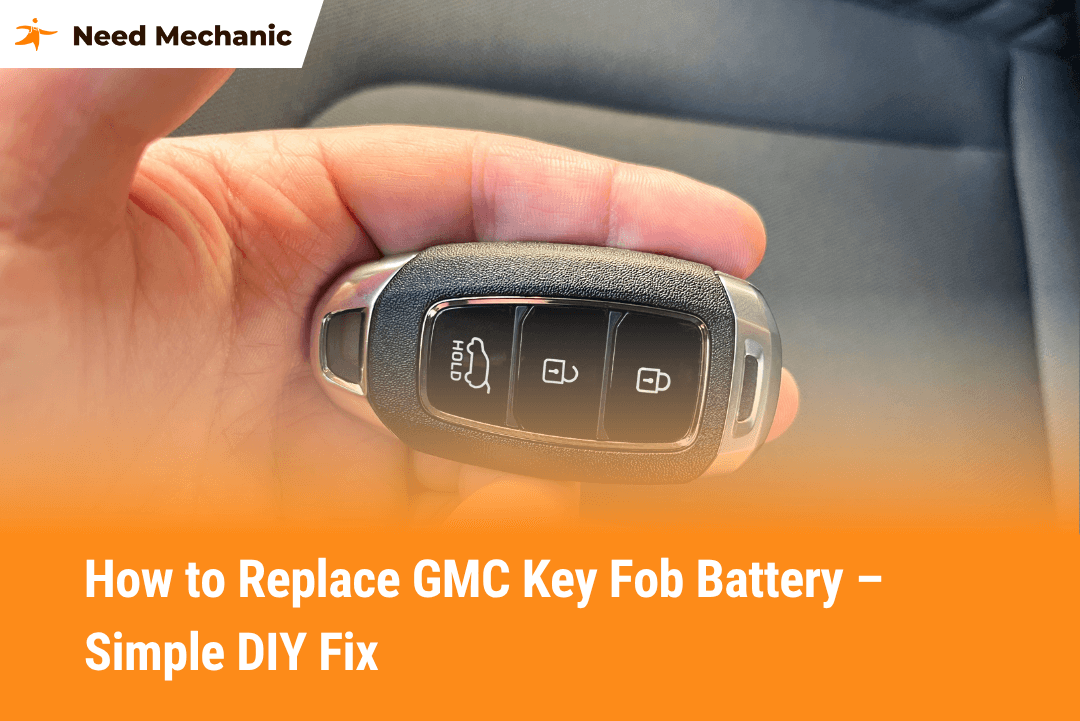
Hold your key fob and look for the seam that runs along the edge. This is where the fob splits open.
Step 2: Pry It Open
Insert your flathead screwdriver into the seam and gently twist it. The fob will pop open. Be careful not to force it or use too much pressure.
Step 3: Remove the Old Battery
Use your fingers or the screwdriver to gently pop out the old battery. Take note of how it’s positioned especially which side is facing up.
Step 4: Insert the New Battery
Place the new battery in the same position as the old one. Most of the time, the positive side (marked with a +) faces up.
Step 5: Snap the Fob Back Together
Align the two halves of the key fob and press them firmly until they snap back into place.
Step 6: Test It
Stand a few feet from your car and press the buttons to make sure everything works correctly.
How Long Does It Take to Replace the Battery?
From start to finish, changing your GMC key fob battery takes about 3 to 5 minutes. If you’re doing it for the first time, it might take a couple of minutes longer, but it’s still a fast and simple process.
Which GMC Models Use This Key Fob?
This key fob design is common across several GMC models. If you own one of the following vehicles, the steps above likely apply:
- GMC Sierra
- GMC Yukon
- GMC Acadia
- GMC Terrain
- GMC Canyon
- GMC Savana
Each model may have slight design variations, but the battery replacement process is nearly identical.
Common Mistakes to Avoid During Replacement
Here are a few common issues that people run into when replacing their key fob battery:
- Using the Wrong Battery: Always double-check the number printed on your old battery. Even batteries that look the same may have different thickness or voltage.
- Installing the Battery Upside Down: This is a very common error. Make sure the positive (+) side is facing the same direction as the original battery.
- Damaging the Plastic Case: Don’t force the fob open with a sharp or large tool. Use a small flathead screwdriver and gentle pressure.
- Not Testing Before Closing: After placing the new battery, do a quick test before snapping the case closed. This can save you time if there’s an issue.
What to Do if Your Key Fob Still Doesn’t Work
If your GMC key fob still doesn’t respond after replacing the battery, don’t panic. There are a few things you can try:
- Check the Battery Orientation Again: Even a tiny mistake in placement can prevent the fob from working.
- Try a Different Battery: Sometimes the battery you installed could be a dud, even if it’s brand new.
- Reprogram the Key Fob: On rare occasions, your key fob may need to be re-synced with your vehicle. This can sometimes happen after a battery change. You can find reprogramming instructions in your owner’s manual or search for “[Your GMC Model] key fob reprogramming.”
- Visit a Dealer or Locksmith: If all else fails, a professional can test the fob’s signal and help you troubleshoot deeper issues.
How to Make Your New Key Fob Battery Last Longer
You don’t want to be doing this every few months. Here’s how to extend the life of your new key fob battery:
- Avoid Leaving It in Hot Cars: Extreme heat can drain the battery faster than normal.
- Don’t Press Buttons in Your Pocket: Accidental presses drain power even if you don’t realize it. Try storing your keys in a way that avoids button pressure.
- Keep a Spare Battery in Your Glove Box: This won’t make the battery last longer, but it’ll save you major stress if it ever dies while you’re away from home.
Conclusion: A Small Fix That Saves Big Hassle
Replacing your GMC key fob battery might feel like a small task, but it can save you from a lot of unnecessary stress, especially when you’re in a hurry. Knowing how to handle this quick 5-minute fix means you’re never stuck outside your vehicle wondering why the buttons aren’t working.
This easy DIY guide is all you need to get your key fob working like new. With just a few minutes and a simple battery swap, you’re back in control. No dealership trip, no costly repair, just a fast solution that gets you moving again.
If you’ve never replaced a key fob battery before, now you know how simple it really is. Take a moment, check your fob, and if the signs are there do the quick fix. Your future self will thank you.

FAQs
How Often Should I Replace My GMC Key Fob Battery?
GMC key fob batteries, which are typically CR2032 or CR2025 lithium coin cells, are designed to last for about 2 to 3 years with regular use. The lifespan can decrease if you frequently use high-power functions like remote start or if the key is stored in a way that accidentally presses buttons. NeedMechanic suggests a proactive battery replacement every two years. If your fob dies unexpectedly while you’re out, you can quickly post a service request on the NeedMechanic platform to find a nearby mobile mechanic or a shop that can help you with a battery test or replacement right away.
Can I Use a CR2032 Battery If My Fob Originally Used a CR2025?
Generally, a CR2032 can be used in place of a CR2025 because both have the same 3-volt rating and diameter. The CR2032 is just slightly thicker (3.2 mm vs. 2.5 mm), offering a higher capacity and longer service life. While the difference is small, ensure the key fob case snaps back together without being forced or bulging, as this could compromise the seal and damage the internal components. Always try to match the original battery number if possible, but the CR2032 is a viable, longer-lasting alternative if the fit is secure.
Will Replacing the Battery Cause My GMC Key Fob to Lose Its Programming?
No, replacing the battery should not cause your GMC key fob to lose its programming in most modern models. The unique pairing code is stored on non-volatile memory chips that retain data without continuous power. If the fob is completely unresponsive after a battery swap, the issue is typically a faulty installation (upside down or poor contact) or, less commonly, a temporary de-synchronization. If you run into this problem, check your owner’s manual for the vehicle-specific “key fob relearn procedure,” or you can browse the list of mechanic shops on NeedMechanic for a professional who can quickly diagnose and re-sync it.
What Are the Essential Tools Needed for a 5-Minute GMC Fob Battery Fix?
The 5-minute GMC key fob fix requires only three simple items you likely have on hand: a new CR2032 or CR2025 battery, a small flathead screwdriver or plastic pry tool (like a guitar pick), and a soft cloth. The cloth is a crucial, non-obvious tool to wrap around the screwdriver tip, protecting the key fob’s plastic casing from scratches when prying the halves apart at the seam. This prevents cosmetic damage and maintains the fob’s integrity.
What Should I Do If My GMC Key Fob Still Doesn't Work After Installing a New Battery?
If your key fob remains non-functional, first re-check the new battery’s orientation (positive side usually up) and inspect the internal metal contacts to ensure they are clean and making solid contact with the battery. If these steps fail, your fob may require a simple reprogramming or re-sync. If you cannot find the procedure in your owner’s manual, use NeedMechanic to find a mechanic near you with the necessary diagnostic tools. A professional can also test the key fob’s signal strength to rule out a damaged circuit board, saving you from a costly dealership visit.
How Much Does a Replacement CR2032 or CR2025 Battery Cost?
Replacement CR2032 or CR2025 lithium coin cell batteries are very inexpensive and readily available. You can expect to pay anywhere from $1.00 to $5.00 for a single, reliable-brand battery (like Duracell, Energizer, or Panasonic) at most grocery stores, drugstores, or auto parts retailers. Buying them in multi-packs online often reduces the per-battery cost significantly. This low cost is why the DIY replacement is vastly preferable to a service charge from a dealer.
What Should I Do If I Accidentally Damaged the Plastic Case When Prying It Open?
If you’ve accidentally damaged the key fob’s plastic case (cracked or chipped the edge), the priority is protecting the internal electronics from moisture and dust, which can quickly cause circuit corrosion. For a temporary fix, use high-strength electrical tape or glue to seal the damaged seam. For a permanent solution, you can search for a replacement key fob shell online (usually inexpensive). If the internal circuit board itself was damaged, NeedMechanic can help you post your repair request to quickly find a local shop that specializes in key fob repair and programming, which is often cheaper than buying a brand-new factory fob.
What GMC Models Typically Use the CR2032 or CR2025 Key Fob Battery?
The majority of modern GMC vehicles, including popular models like the GMC Sierra, Yukon, Acadia, Terrain, Canyon, and Savana, utilize the standard CR2032 or CR2025 3-volt lithium coin cell batteries for their keyless entry remotes. While the outer casing designs vary, the internal battery type remains largely consistent. It is essential to visually check the number printed on your existing battery after opening the fob to ensure you buy the correct replacement before attempting the quick 5-minute fix.
Is Reprogramming Necessary If the Key Fob Doesn't Work After a New Battery?
Reprogramming (or re-syncing) is not usually necessary but is a key step if the fob remains unresponsive. This is required if the key’s rolling code momentarily loses synchronization with the vehicle’s Body Control Module (BCM) when the battery is removed. Reprogramming procedures for GMC and similar GM vehicles often involve a specific sequence of turning the ignition on/off and holding down buttons on the door panel or the key fob itself. If the manual method fails, NeedMechanic is the ideal platform to find a local locksmith or mechanic with an OBD-II scanner who can perform the secure ‘key relearn’ procedure quickly.
How Can I Maximize the Lifespan of My New GMC Key Fob Battery?
To ensure your new battery lasts the full 2-3 years, avoid two major power drainers: extreme heat and accidental button presses. High temperatures, such as leaving the fob in a hot car dashboard, accelerate battery discharge. Accidental presses, often caused by carrying the fob in a tight pocket with keys or a phone, continuously broadcast a signal, draining power. Store the fob in a way that keeps the buttons from being compressed, such as a dedicated section of a purse or a loose-fitting pocket, to maximize its life.


Leave a Reply